
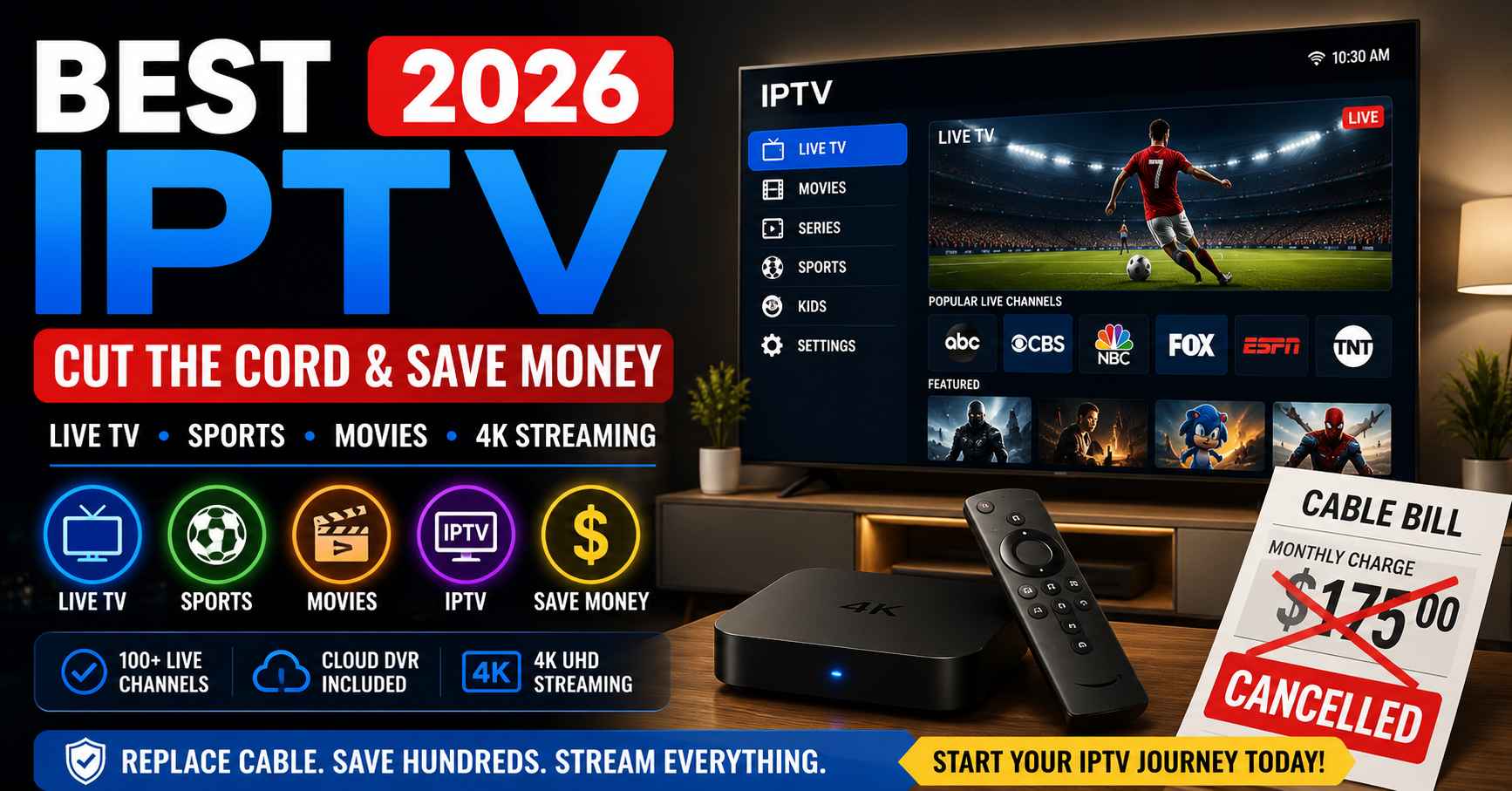
Let’s skip the marketing copy and have an honest conversation about the best IPTV options in 2026. You’ve thought about cutting cable. Maybe you tried it a few years ago and went back. Maybe a friend keeps telling you they switched and haven’t looked back. Maybe last month’s cable bill hit $175 and you finally said enough. Whatever brought you here, the situation in 2026 is genuinely different from where streaming was even two years ago, and this article is the honest version of what your switch will actually look like.
Here’s where most cord-cutting articles lose people. They list five services, throw out channel counts, and pretend any of that helps you decide. It doesn’t, because the real question isn’t which IPTV subscription has the most channels—it’s which one carries the 25 to 35 channels your household actually watches. That’s exactly what separates the best IPTV service 2026 from the rest. The answer depends on your viewing habits, not on a generic ranking. The good news is that in 2026, all five mainstream IPTV platforms—YouTube TV, Hulu + Live TV, FuboTV, Sling TV, and Philo—are genuinely capable options. The question is simply which one fits your specific viewing pattern, and the trial period each service offers is the best way to find out before committing.
So let’s do this properly. Get a piece of paper. Write down every channel your household turned on in the last two weeks. Not the channels in your cable package — the ones you actually watched. Most people get to 20-35 channels. That list is what we’re working with for the rest of this conversation, because that’s the only honest way to evaluate an IPTV subscription against your real-world use. Once you have it, the right best IPTV service usually picks itself. Sports-heavy list with regional sports network? You’re probably going to FuboTV. Mostly entertainment cable channels and no sports? Philo at $28 is right there. Mixed lifestyle plus sports plus local news? YouTube TV is your default. Already paying for Disney+ and ESPN+ separately? Hulu + Live TV consolidates the bills favourably.
The Five Best IPTV Services and Who They’re For
YouTube TV at $73 per month is the one most people end up choosing. Why? It just works. 100-plus channels covering every major US broadcast network with local affiliates in most markets, plus solid cable entertainment and sports through ESPN and regional sports networks. The unlimited cloud DVR is the feature you didn’t know you needed — no storage limits, no expiry on recordings. Apps work the same way on Fire Stick, Roku, Android TV, iPhone, and Apple TV. If you want the easiest cable replacement, this is probably it.
FuboTV at $80 per month is where you go if sports drives your TV viewing. Your local team’s regional sports network is the reason you’re still on cable, right? Run the FuboTV channel lookup with your ZIP code before you do anything else. If your RSN is there (in most major US markets it is), FuboTV is your answer. 200-plus channels with serious sports depth, 4K live sports streams on supported devices, international football coverage, and the lowest broadcast delay among streaming services for live games. For Canadian sports households, RDS, TSN, Sportsnet variants, and TVA Sports are included — making this the best IPTV Canada option for hockey-watching families too.
Hulu + Live TV at $83 per month makes sense if you’re already paying for Disney+ ($14) and ESPN+ ($11) on top of cable. The bundle puts 90-plus live channels plus Disney+, ESPN+, and Hulu on-demand on one monthly bill. For households with kids, the Disney+ inclusion covers the family library comprehensively. ESPN+ adds UFC events, international football, and growing NHL content. If you’re juggling multiple streaming bills, this consolidates them.
Sling TV starts at $46 per month and is for households that actually want to think about their package rather than pay for 200 channels they don’t watch. The Orange base covers ESPN-side channels, Blue covers news and entertainment, and add-on packages get bolted on individually. If you’ve done your channel audit and found your viewing concentrates in specific categories, Sling TV usually saves you $25 to $40 a month versus the comprehensive bundles without sacrificing what you actually watch.
Philo at $28 per month is the budget option, and it’s honest about what it is — 70-plus entertainment and lifestyle channels with unlimited DVR, no sports, no local broadcasts. If your household watches AMC, Discovery, HGTV, History, Lifetime, MTV, Nickelodeon, and similar cable entertainment with sports handled by something else (or not at all), Philo is the cheapest legitimate best IPTV option you’ll find. The DVR alone is worth the price.
Also Read : Strong IPTV
The Tech Stuff You Actually Need to Know
Two terms come up constantly when you’re setting up any IPTV service: M3U playlist and Xtream Codes login. An M3U playlist is just a URL your provider gives you — paste it into TiviMate, IPTV Smarters Pro, or XCIPTV Player on your device and your channels load. Works on every device, including Roku where it’s the standard method. The M3U8 format is the same thing with HTTP Live Streaming extensions, also fine.
Xtream Codes login is what experienced IPTV users prefer when their device supports it (Fire Stick, Android TV, iPhone, Apple TV — basically everything except Roku). Instead of one URL, your provider gives you three things: server URL with port number, username, and password. Your player app uses these to authenticate at the start of every session, pulling current channel addresses and EPG schedule data live from your provider’s server. Better daily experience because nothing goes stale between sessions. The one thing that catches first-timers — the port number after the colon (like :8080) is mandatory, not optional formatting.
EPG stands for Electronic Program Guide. It’s the cable-style schedule grid in your player app. In TiviMate on a Fire Stick with Xtream Codes login, EPG renders exactly like a cable guide — channels on one axis, time slots on the other, programme titles in each cell. This is the feature that makes the difference between an IPTV subscription that feels like television and one that feels like a list of streams. Test EPG accuracy during any free trial — check 10 to 15 channels and verify the schedule data matches actual broadcast schedules.
Setting It Up on Your Devices
On a Fire Stick: install TiviMate from the Amazon Appstore (free version is fine), tap Add Playlist, choose Xtream Codes API, enter your server URL with port, username, password. Channels and guide load in about 90 seconds. For 4K sports streams on FuboTV or YouTube TV, you want the Fire Stick 4K Max specifically — better Wi-Fi 6E support and a processor that handles 4K without thermal throttling during long broadcasts. The standard Fire Stick 4K is fine for HD-focused households.
On a Roku: install IPTV Smarters from the Channel Store, add user with your M3U URL. Done. Roku doesn’t allow sideloading apps from outside the Channel Store, but every mainstream best IPTV service supplies an M3U URL alongside the Xtream Codes credentials, so Roku households have full access. The Roku interface works particularly well if you have multiple Roku devices across rooms — same setup, same experience, same channels everywhere.
On Android TV (Nvidia Shield, Chromecast with Google TV, smart TVs from Sony, TCL, Hisense): TiviMate or XCIPTV Player from the Google Play Store. Same setup as Fire Stick. Android TV consistently produces the fastest EPG loading of any platform — under 60 seconds for a full channel library on quality Xtream Codes connections. Nvidia Shield is the gold standard if you’re shopping for a streaming device specifically for IPTV use.
On iPhone, iPad, and Apple TV: IPTV Smarters Pro from the App Store, identical setup across all three Apple devices. Works on iOS 17 and later. For Apple-ecosystem households, the same credentials work on every Apple screen. On smart TVs without compatible apps, just stick a Fire Stick or Chromecast in an HDMI port — easier to keep updated than smart TV firmware cycles.
What You’ll Actually Notice in the First Week
Week one is when expectations meet reality. Most households notice three things in the first seven days. First, the channel switching is faster than cable. Click a channel on TiviMate or in the YouTube TV native app and the stream starts in about 2 seconds — cable receivers historically took 4 to 6 seconds. Small thing, but you notice it. Second, the DVR is easier. Unlimited cloud storage on YouTube TV or Philo means you stop thinking about whether to record something. The mental overhead of cable DVR management is gone. Third, the apps update themselves. No more receiver firmware updates that take 20 minutes during prime viewing time.
You’ll also notice what you don’t miss. The cable receiver in the entertainment center is gone or moved to a closet because you stopped needing it. The remote with 60 buttons that you never used is gone. The cable equipment rental fee disappears from your bill. The technician visits that cable required for any service issue stop happening because IPTV issues are resolved through app reinstalls or provider support tickets without anyone coming to your house.
The Honest Trade-offs You Should Know
Cable still has narrow advantages in 2026 that the best IPTV services haven’t completely closed. Customer support via phone is more accessible on cable — you call a number, talk to a human within minutes, get help. IPTV support is primarily web-based ticketing. Most issues resolve within 24 hours but you don’t get instant phone support the way you do with cable. For households that prefer phone support specifically, this is a real difference. Honest acknowledgement: it isn’t a dealbreaker for most households, but it’s worth knowing.
Extreme peak events — Super Bowl Sunday, major championship game seven — still occasionally see slightly more stream stability on cable than even YouTube TV or FuboTV produce. The gap is small and getting smaller, but a household that absolutely cannot tolerate any quality variation during the biggest single-event broadcasts of the year might find cable’s marginal edge appealing. For most households, the gap doesn’t justify $1,000-plus in annual premium for cable.
Putting It Together
Audit your channels. Match the list to one of the five best IPTV services. Sign up for the free trial. Set up TiviMate on Fire Stick or IPTV Smarters Pro on Roku with the credentials your provider gives you. Run the IPTV alongside cable for two to four weeks. Use the streaming service as your primary TV daily. Track when you fall back to cable. After two weeks of serious use, that list tells you whether the switch is ready. For most households in 2026, it’s ready.
Where to Go From Here
Right now, today: do the channel audit. Take ten minutes and write down what your household actually watched in the last two weeks. That single exercise tells you more about which best IPTV service fits your household than ten cord-cutting articles will. Then pick the service whose channel coverage matches your list and sign up for the free trial. Run it alongside cable for two to four weeks. Use it as primary TV. Track when you fall back to cable. After two weeks, the data is clear enough to act on confidently. The honest conversation about cutting cable in 2026 is shorter than most cord-cutting content makes it — the answer for most households is yes, and the trial period removes the financial risk of being wrong.

